Create Wallet
Follow these simple steps to create your secure ANALOS wallet in under 60 seconds. Your wallet will full support $LOS chain, with full access to DEX, bridge, and launchpad.
Step 1: Open the Wallet
Go to the official wallet portal.
Action: Visit wallet.analos.io
Tip: Bookmark this URL and always access it directly to avoid phishing.
Step 2: Choose Wallet Creation Method
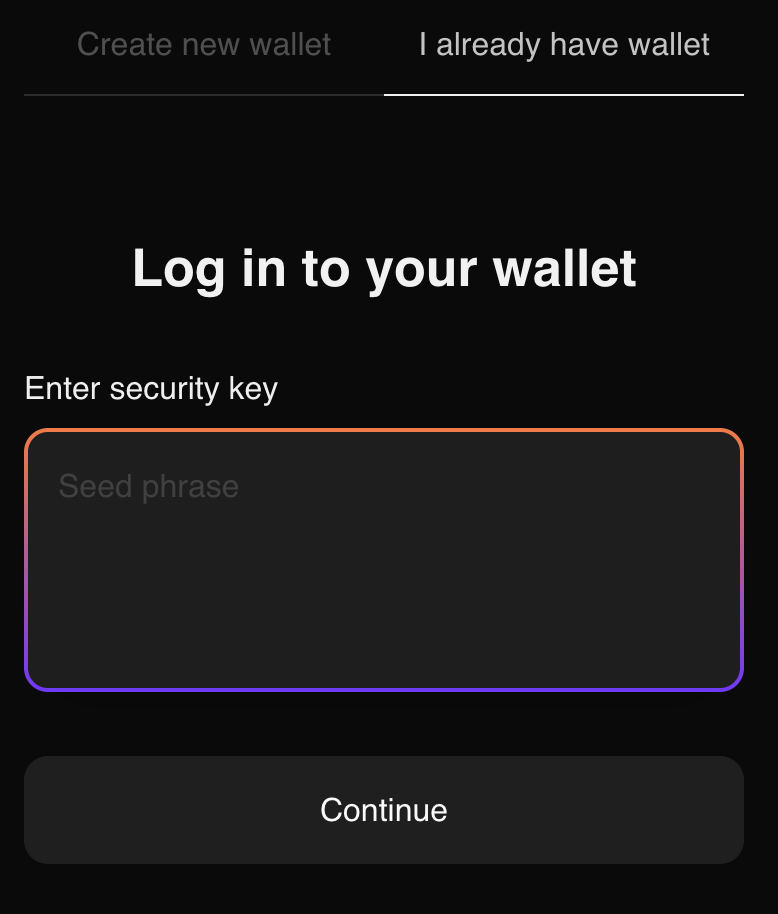
Select how you'd like to set up your wallet.
- Create New Wallet → Generates a fresh seed phrase
- I Already Have a Wallet → Import your existing seed phrase
Action: Click "Create New Wallet" or "I Already Have a Wallet"
Step 3: Secure with Password
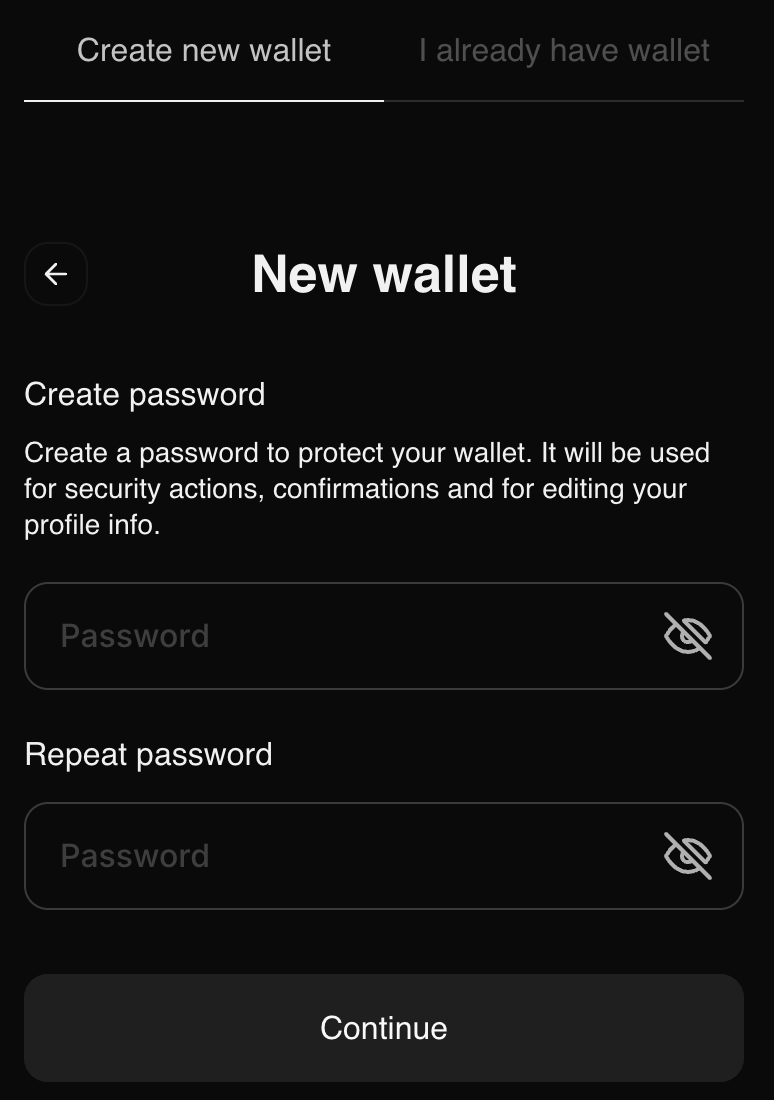
Encrypt your wallet locally with a strong password.
This password protects your private key on your device.
We never store it. You must remember it.
Action:
- Enter a strong password (8+ characters, mix of letters/numbers/symbols)
- Confirm password
- Click "Continue"
Step 4: Wallet Ready!
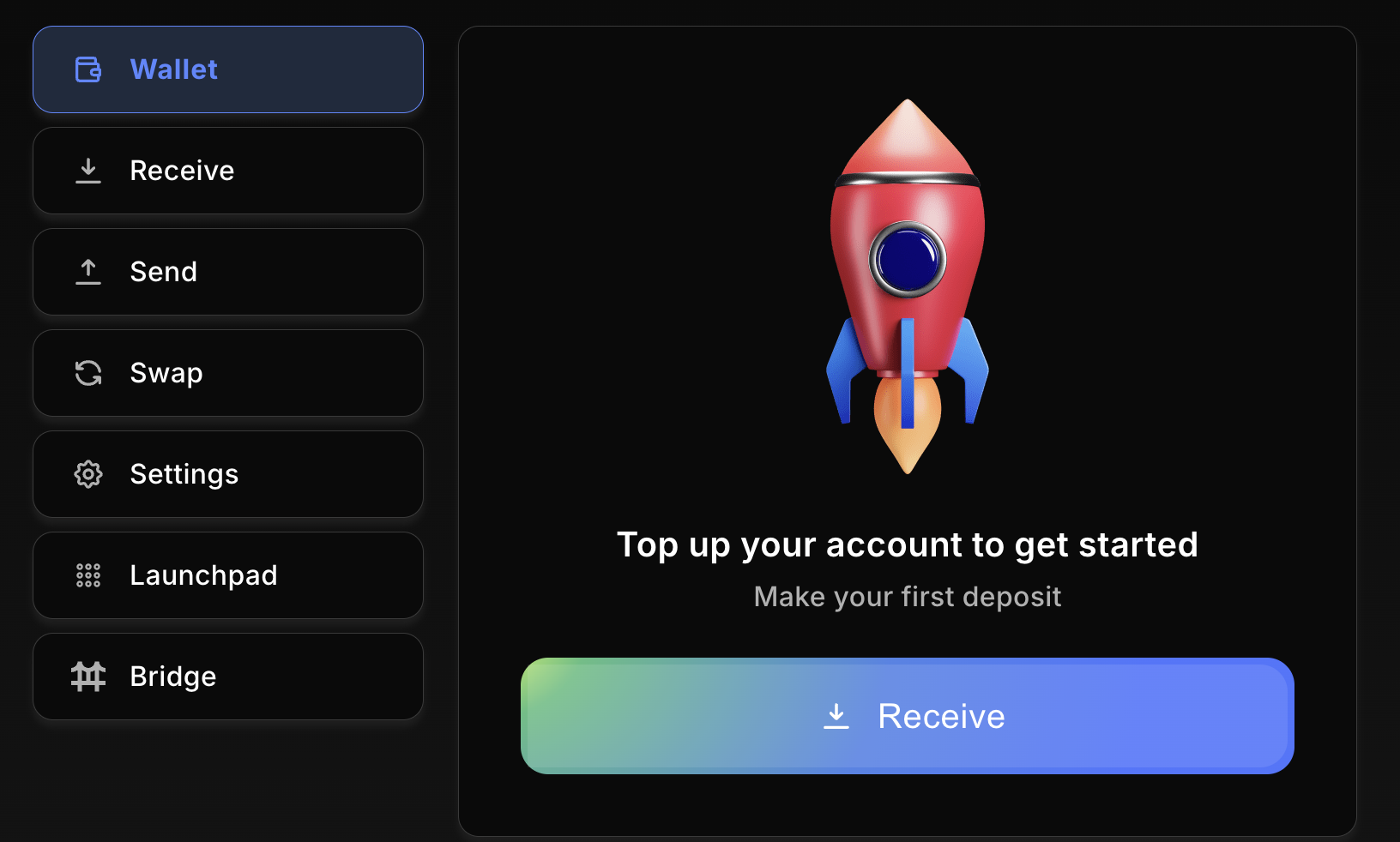
Your wallet is now active and ready to use.
Security Tips
- Backup your seed phrase on paper - never digitally.
- Never share your seed phrase or password.
Your wallet is now live.
Bridge $LOS, trade on DEX, or launch a token - all in one place.